Self-Hosting and Open Source
Experimentation is in beta.
Experimentation works in both the Open Source version and the Enterprise Edition, with no edition restriction. Self-hosted Flagsmith can store experiment events in two ways: in the Flagsmith database or in your own warehouse.
Turning it on
Set EXPERIMENTATION_ENABLED=true on the Flagsmith API. The Warehouse tab doesn't appear without it. See
environment variables.
Flagsmith database
For evaluating experimentation only. Events share the database that serves your flags, so they can slow Flagsmith down. For production, connect your own warehouse.
Events are stored in the database Flagsmith already runs on, and the SDKs send them to your Flagsmith API. There is nothing extra to run. This only works when that database is PostgreSQL.
- Go to Environment Settings › Warehouse.
- Select Flagsmith database and click Enable, then confirm.
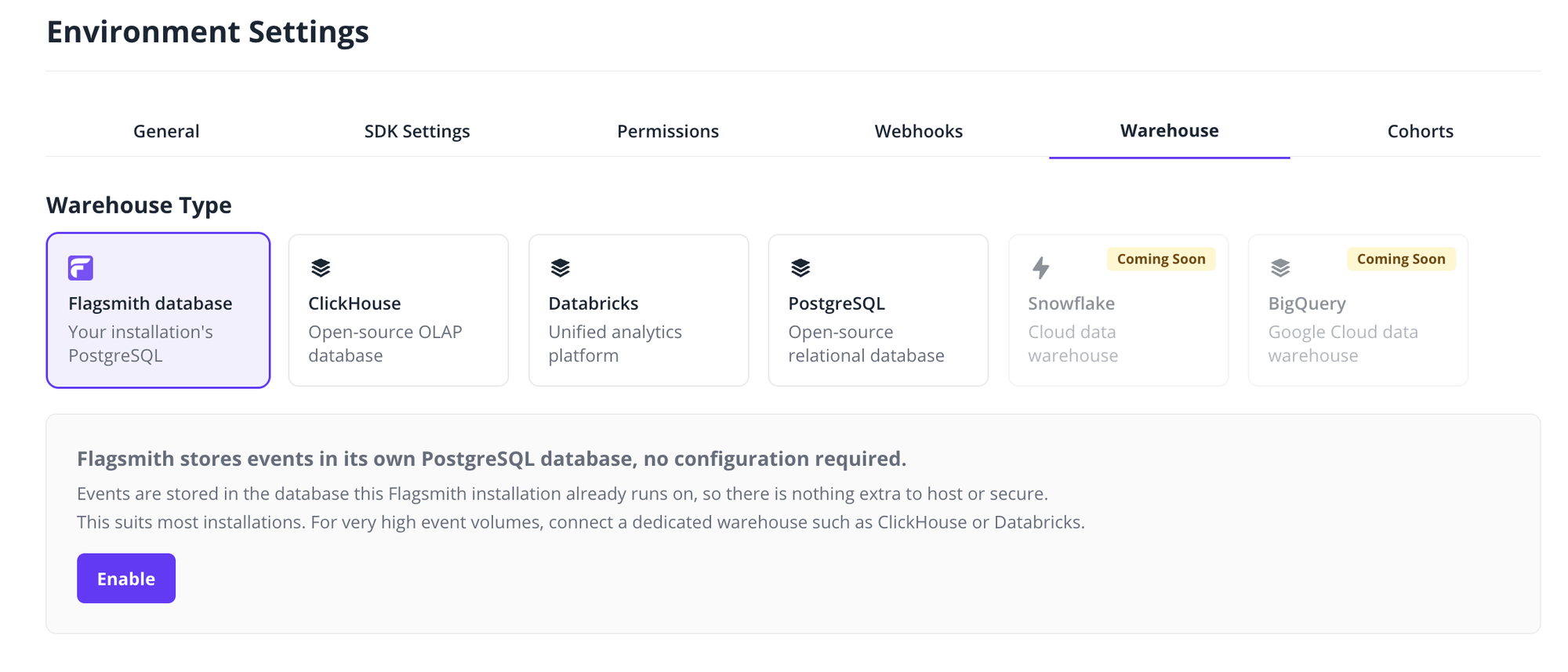
The connection shows Connected straight away. If Flagsmith can't read the events table, it shows Errored with the reason; fix it and click Test connection on the card.
Set each SDK's events URL to the URL shown on the card; see SDK events URL. To verify events arrive, click Send your first event.
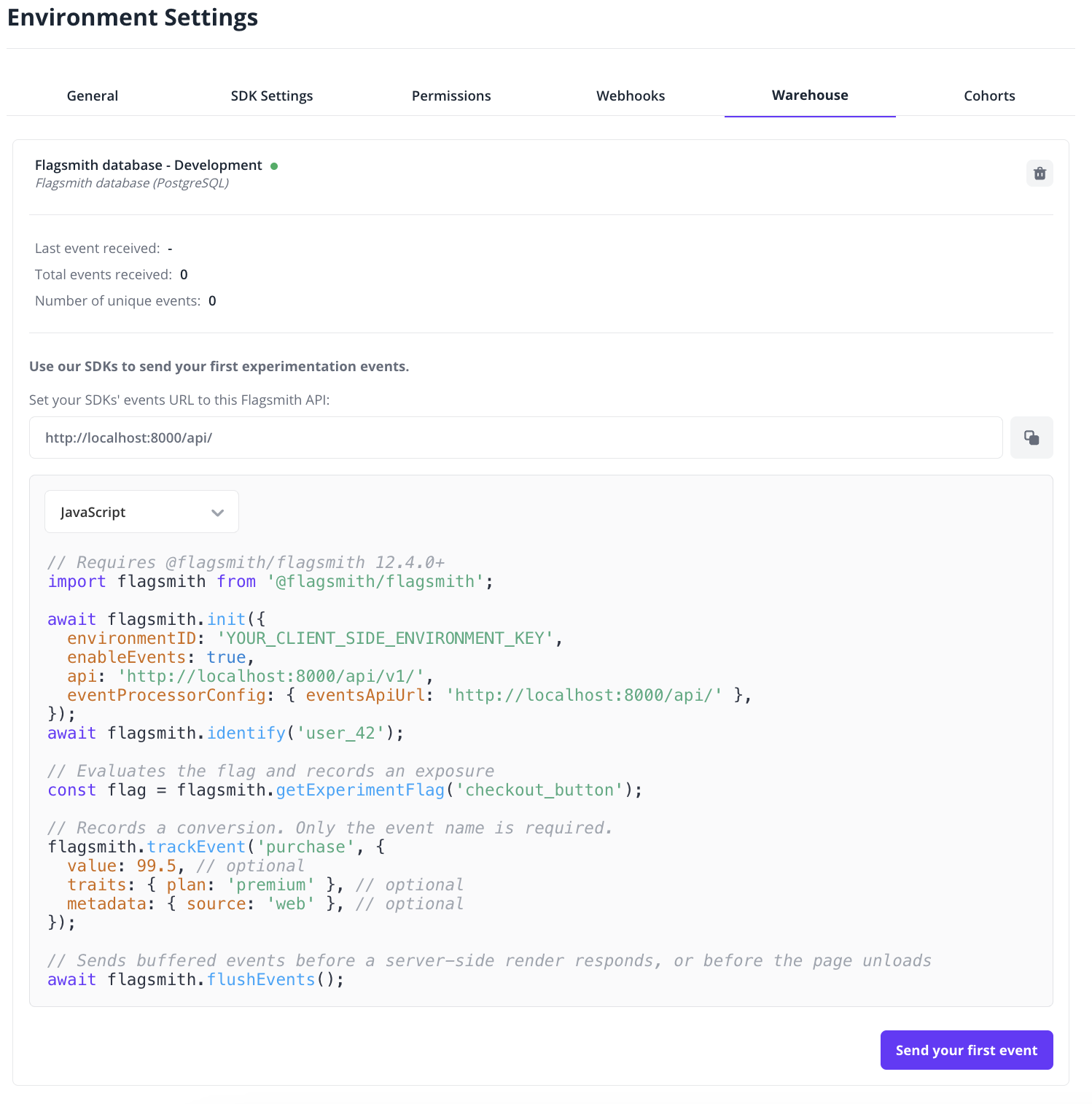
The connection has no settings to edit. To stop storing events, delete the connection; events already stored stay in the table.
Your own warehouse
Events are delivered to your own ClickHouse, Databricks or PostgreSQL.
- Also run the event ingestion service, Kafka and warehouse delivery. See Deploying.
- Suits higher event volumes. See Sizing experimentation.
SDK events URL
By default, the SDKs send events to Flagsmith Cloud. Set each SDK's events URL to:
- Flagsmith database: your Flagsmith API URL ending in
/api/, for examplehttps://flagsmith.example.com/api/. - Your own warehouse: your event ingestion service's public URL, for example
https://events.flagsmith.example.com/.
The SDKs append v1/events themselves. See Initialise for each SDK.
Things to know
- Events with a timestamp more than 10 days in the past or 24 hours in the future are rejected.
- A batch over 2 MiB is rejected whole.
- Flagsmith never deletes events. Monitor the size of your database or warehouse.
Deploying
- Docker: the
docker-compose.ymlruns every experimentation service, with a local ClickHouse. - Kubernetes and OpenShift: the Helm chart runs the ingestion service and warehouse delivery, with your own Kafka and warehouse.
The source for the event ingestion service and warehouse delivery is on GitHub.